Explore
No two seeds alike
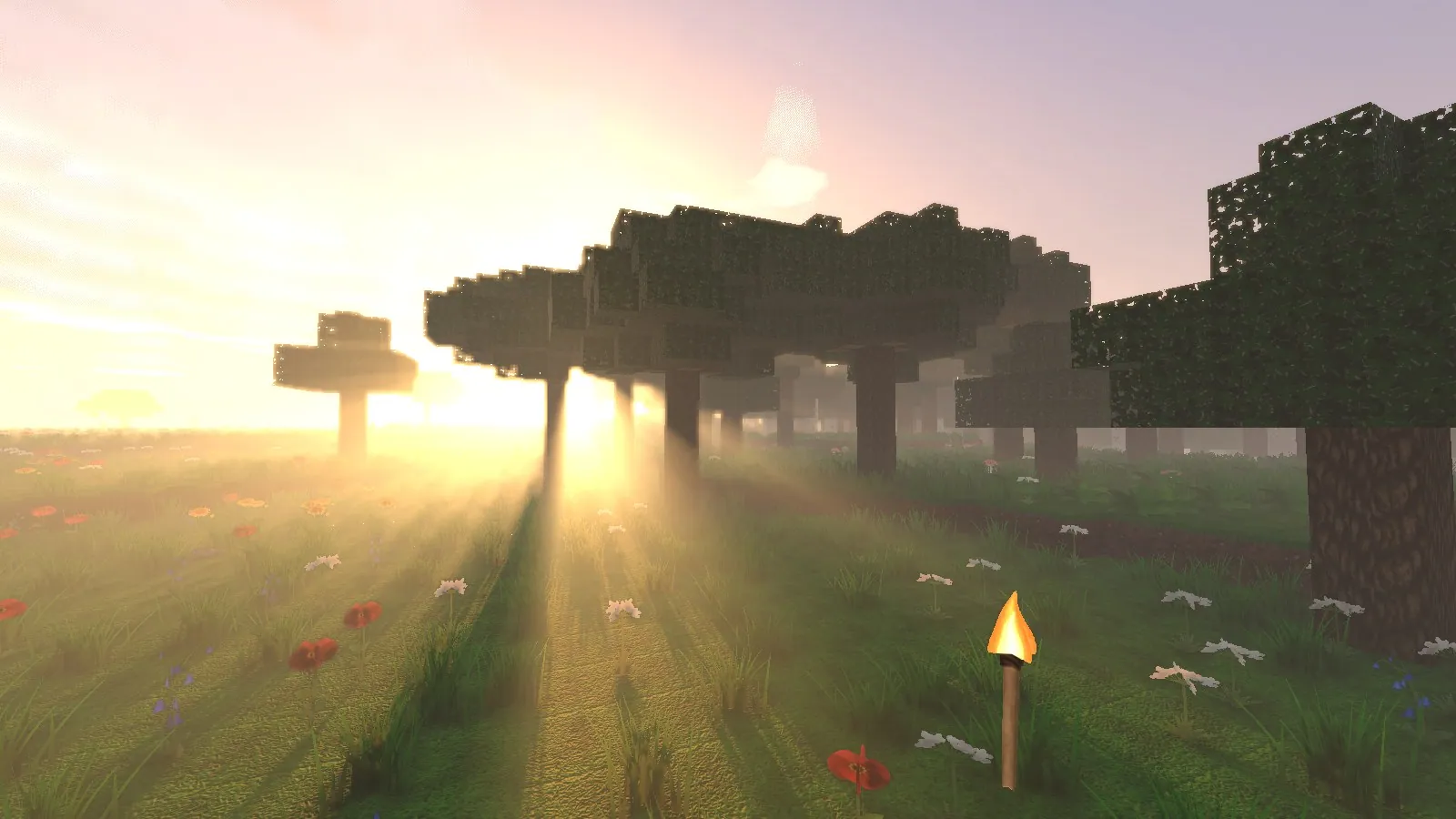
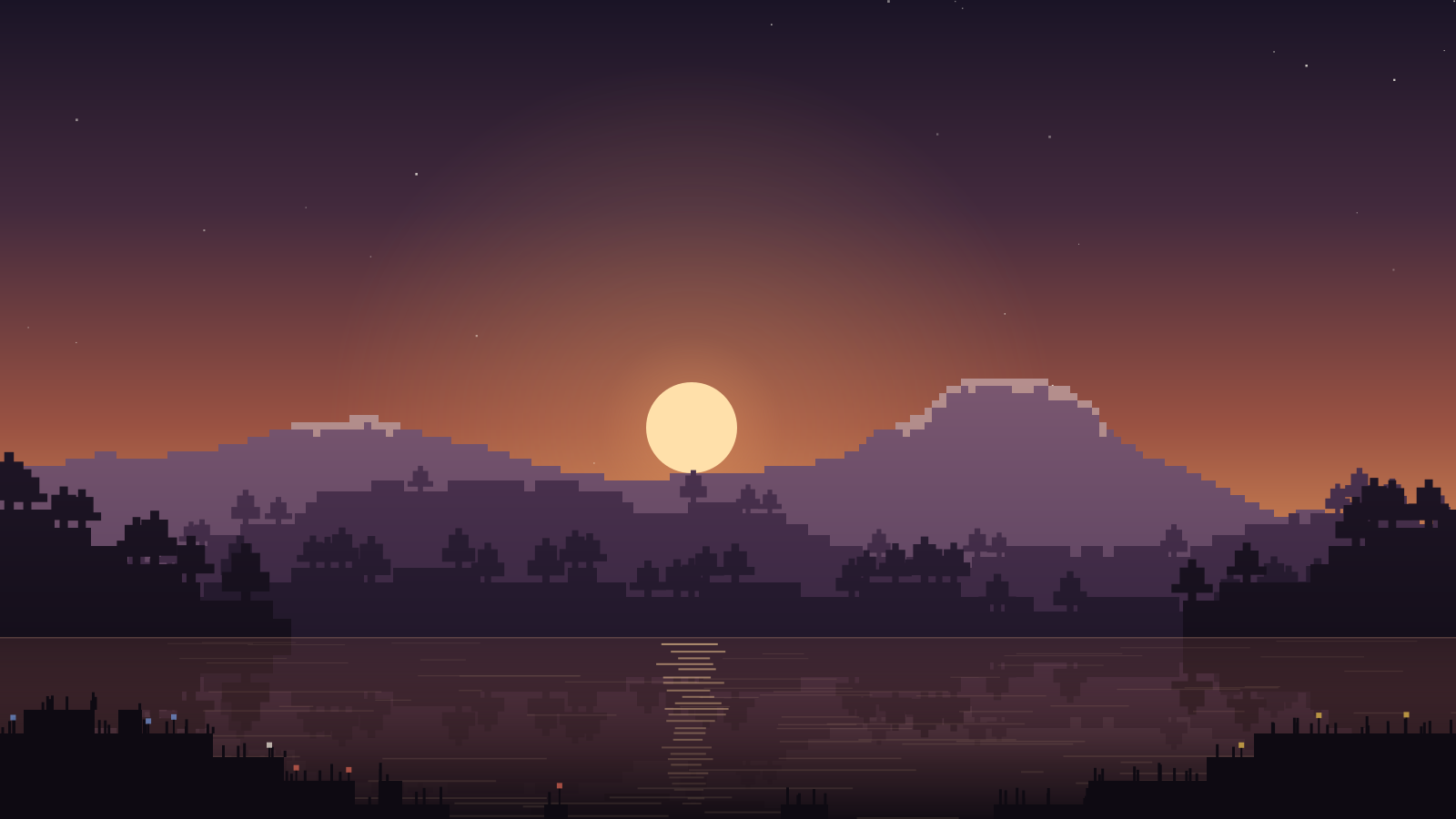
Terrain is generated from a seed, column by column, so every world unfolds differently. Follow a river of ridgelines from grassland into spruce country and up to the snowline, then come home by the lakes.
Original voxel survival · macOS & Windows
Shape the wild.
An original voxel survival sandbox. Wander mist-hung forests, mine ore by torchlight and build a home on the edge of the mere.
In-game footage
The game
Wildmere is a survival sandbox built one cubic metre at a time. Every world grows from a seed: grassland and birch woods, spruce and dark forest, sandstone desert, snowfields and still, mirror-dark lakes.
Gather what the land offers, work it at the bench and the furnace, push your torches deeper underground and build whatever you can picture. Wildmere is an independent project in early access for macOS and Windows, so expect rough edges, and expect each release to smooth a few of them.
Explore
Terrain is generated from a seed, column by column, so every world unfolds differently. Follow a river of ridgelines from grassland into spruce country and up to the snowline, then come home by the lakes.

Build
Fell oak, birch, spruce and dark wood, cut planks, and turn stone, sand and clay into something that keeps the weather out. A workbench and a furnace turn raw finds into tools and better materials.
Descend
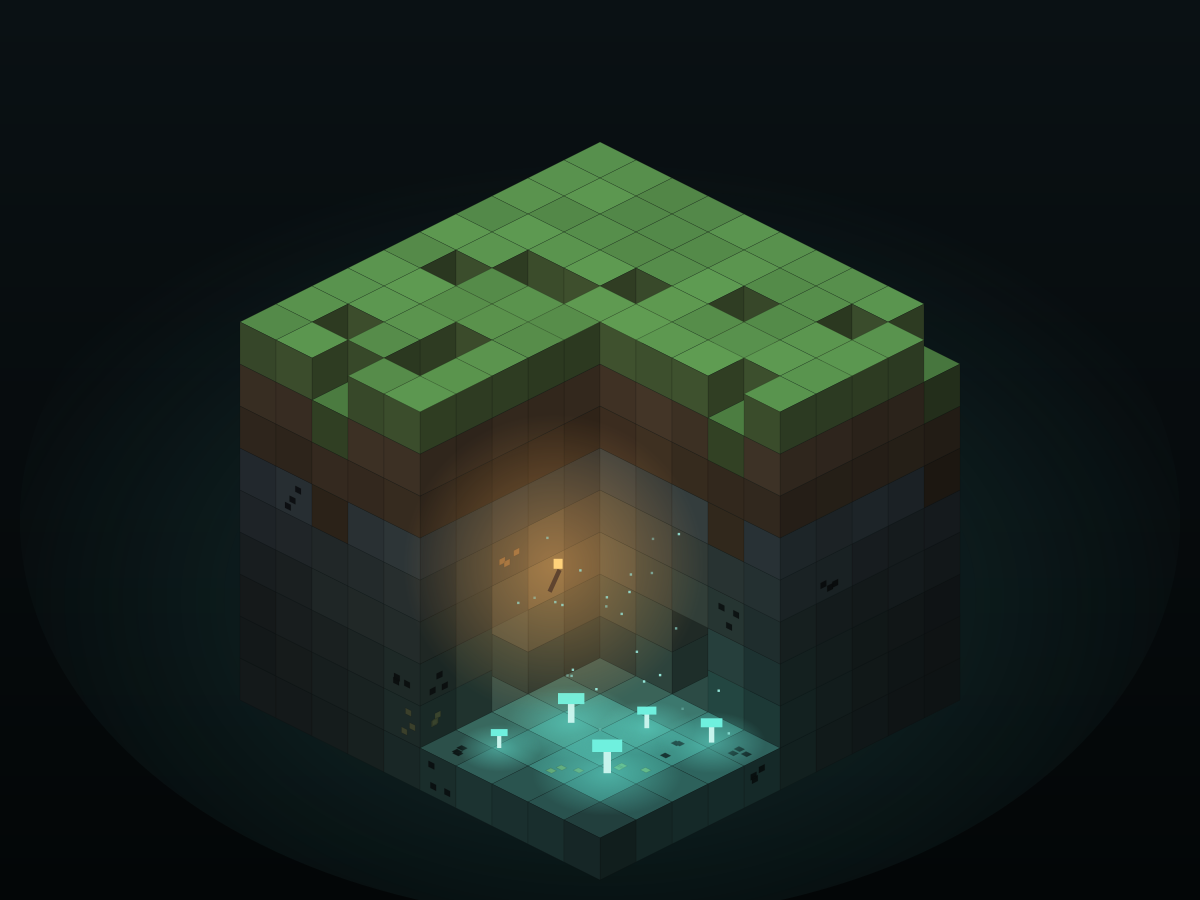
Below the dirt, the stone holds seams of coal, iron and gold. Carry torches down with you, and look out for glowcaps: pale mushrooms that light the caves they grow in.
Features
Share a seed and a friend gets the same valleys, coastlines and lakes.
Over forty kinds of block, from mossy cobblestone to clear glass.
Work materials at the workbench and fire them in the furnace.
Wildlife roams the forests and plains, and birds take to the sky.
Drifting clouds, moving water and ambient soundscapes.
One universal macOS app for Apple Silicon and Intel Macs (Intel support is experimental).
Gallery
System requirements
Wildmere is developed on an Apple Silicon Mac. Platforms marked Experimental have passed automated checks at most and have not been played on real hardware yet. Reports are welcome.
Download
macOS (Apple Silicon & Intel)
ee6d71620f781509d1c6794e0da8e3241748326e21b1ef062a7f162b7f5b5fc5 Ad-hoc signed, not notarized by Apple. macOS asks you to approve it once. How to install
Windows 10/11 (64-bit)
0b4cc918a9e39b9a1c0a2db914868b65b401c749ded349abeb4a0d0c4bd8274b Not code-signed. SmartScreen may ask you to confirm the first launch. How to install
A torch in your hand now lights up the world around you.
Pick the zip for your system below. Each file's SHA-256 is in Wildmere-0.1.5-SHA256SUMS.txt.
Install guide: docs/INSTALL.md in the repository.
Installation
Wildmere is a free, independent release, so the builds are not notarized by Apple or code-signed for Windows. Your system will ask you to confirm the first launch. That is expected, and here is exactly what to click.
Wildmere-0.1.5-macOS.zip and double-click it to unzip (Safari may unzip it for you).
Wildmere.app into Applications.Prefer Terminal? This removes the download quarantine flag so macOS opens the app without asking:
xattr -dr com.apple.quarantine /Applications/Wildmere.app On macOS 12 to 14 you can also Control-click the app in Finder and choose Open. Newer versions require the System Settings step above.
Wildmere-0.1.5-Windows-x64.zip.Documents\Games. Do not run the game from inside the zip.
Wildmere.exe from the extracted Wildmere folder. Keep everything in that folder
together: the game needs Wildmere_Data and UnityPlayer.dll next to the exe.
Tip: right-click the zip › Properties › tick Unblock before extracting, and Windows will not ask again.
Compare the result with the SHA-256 shown next to each download above (or in the release's SHA256SUMS file). If they differ, delete the file and download it again.
shasum -a 256 ~/Downloads/Wildmere-0.1.5-macOS.zip Get-FileHash .\Wildmere-0.1.5-Windows-x64.zip -Algorithm SHA256 From version 0.1.3, you only download Wildmere once. New versions download in the background and install when you quit, or straight away with Restart to update on the title screen. Each update is checked against Wildmere's signing key and its exact checksum before anything is replaced, and the previous version is kept until the new one is in place. You can turn this off in Settings › Updates.
Keep the game somewhere you can write to (Applications on macOS, a folder such as Documents\Games on Windows)
so it can replace itself. Versions before 0.1.3 need one manual download.